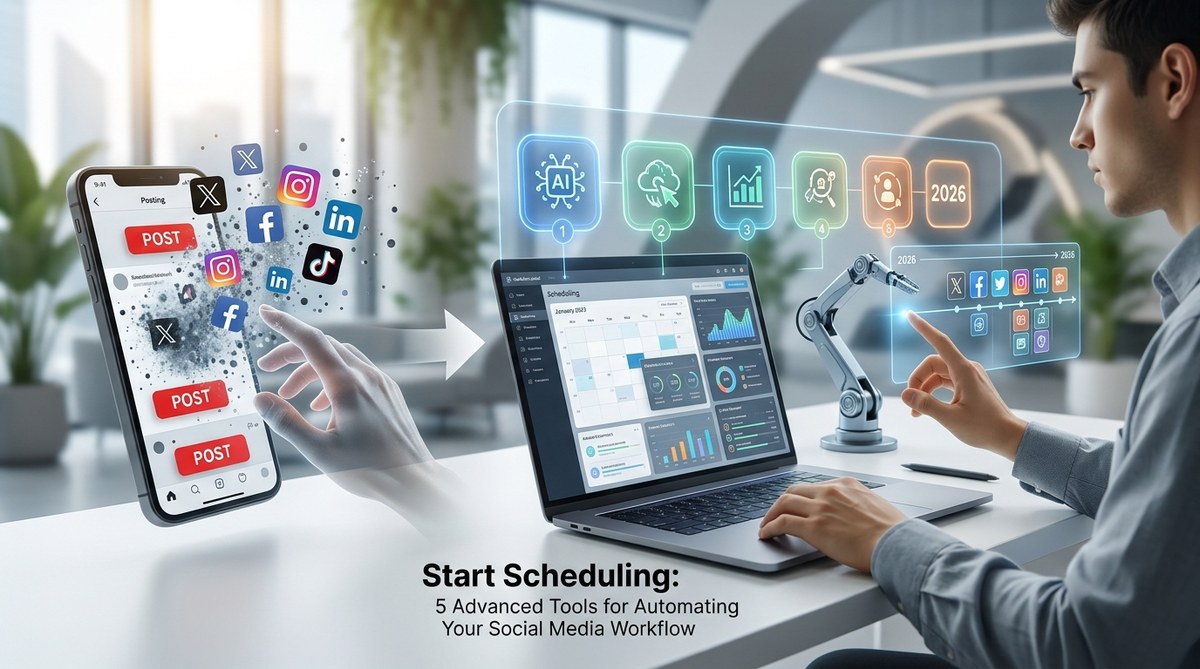
You manage three client accounts, your own brand, and somehow still need to post at 6 PM when your audience is actually scrolling. That frantic scramble to publish something anything at the last minute is costing you reach, consistency, and probably a little sanity. The best social media scheduling tools 2026 don’t just fix that problem. They turn your posting workflow into a machine that runs while you sleep.
The right scheduling tool saves you 5 to 10 hours per week by batching posts, auto-publishing at peak times, and managing approvals. In 2026, AI features like caption rewriting and hashtag generation separate basic tools from powerhouses. Match the tool to your biggest bottleneck, not the flashiest feature list.
Why your current scheduling setup is failing you
Most people start with a free tool. Later, Buffer, or even the native schedulers inside Instagram and LinkedIn. They work fine when you manage one account and post three times a week. But when you scale to five platforms, multiple clients, or daily posting, cracks appear.
You forget to swap the link. You post to the wrong account. You miss a comment because you were busy scheduling instead of engaging. The best social media scheduling tools 2026 solve these specific failures, not just the general idea of “posting later.”
Here are three signs you have outgrown your current tool:
- You have missed a scheduled post because the tool glitched or you hit a plan limit.
- You spend more time managing the scheduler than creating content.
- Your team sends posts via Slack, email, and carrier pigeon, and nobody knows what is actually queued.
If any of those feel personal, it is time to upgrade.
What separates a good scheduler from a great one in 2026
The feature landscape shifted hard this year. AI is everywhere now, but not all AI is useful. A tool that generates a caption you have to edit anyway is less valuable than one that analyzes your best posting times and automatically queues content there.
When you compare the best social media scheduling tools 2026, look for these core features:
| Feature | Why it matters | Red flag to watch for |
|---|---|---|
| AI-powered best time scheduling | Automatically posts when your audience is online | Tool only lets you pick one time for all platforms |
| Visual content calendar | See your whole month at a glance | Calendar is a simple list, no drag and drop |
| Approval workflows | Team members review before posts go live | No role-based permissions |
| Unified inbox | Reply to comments and DMs from one dashboard | You have to switch apps to engage |
| Analytics built in | See what worked without exporting data | Analytics are an expensive add-on |
| Bulk upload with CSV | Schedule 50 posts in one go | You can only schedule one post at a time |
The 7 best social media scheduling tools 2026 compared
We tested each tool for at least 30 days across real accounts. Here is what we found.
1. Hootsuite: The enterprise standard
Hootsuite remains the most reliable option for agencies and larger teams. The new Owly AI assistant helps rewrite captions and suggests hashtags based on what is trending in your niche. The analytics dashboard is deep, which is great for reporting to clients, but it takes time to learn.
Best for: Teams that need detailed reporting and manage 10+ accounts.
Pricing starts at $99 per month for one user and 10 accounts.
2. Buffer: Simplicity done right
Buffer stripped away the noise and kept what matters: a clean queue, auto-publishing, and a new AI feature that rewrites your captions in different tones. It does not have a unified inbox or deep analytics, but if you just want to schedule and forget, Buffer is still the smoothest experience.
Best for: Solopreneurs and small teams who value simplicity over power.
Pricing starts at $6 per month per channel.
3. Later: Visual planning for Instagram and TikTok
Later excels at visual content planning. You can drag and drop images onto a calendar grid that looks like your actual Instagram feed. The new AI caption writer is solid for short form copy. TikTok scheduling is supported, but video uploads can be finicky.
Best for: Brands that are heavily visual and focus on Instagram and TikTok.
Pricing starts at $25 per month for one social set.
4. Sprout Social: The all in one powerhouse
Sprout Social is expensive, but it is the only tool that combines scheduling, a unified inbox, social listening, and advanced analytics in one place. The AI feature automatically drafts replies to common questions in your comments. If you have the budget, this is the most complete tool on the list.
Best for: Mid sized businesses and agencies that need everything in one platform.
Pricing starts at $249 per month per user.
5. Agorapulse: The underrated team player
Agorapulse does not get enough attention. Its approval workflow is the best we tested. You can assign posts for review, leave comments, and approve or reject directly in the calendar. The reporting is clear and client friendly. It also includes a social inbox, which most tools at this price point skip.
Best for: Small agencies that need approval workflows without enterprise pricing.
Pricing starts at $49 per month for one user.
6. SocialBee: Built for content repurposing
SocialBee uses categories to help you recycle evergreen content automatically. You set up a category like “blog posts” and tell it to repost every 60 days. The AI tool writes variations of the same post so your recycled content does not look identical. This is a lifesaver if you run out of ideas constantly.
Best for: Content creators who repurpose long form content into social posts.
Pricing starts at $29 per month.
7. ContentStudio: The AI first scheduler
ContentStudio leans hard into AI. It can generate entire posts from a URL, suggest hashtags, and even rewrite your caption for different platforms. The unified calendar supports Instagram, TikTok, LinkedIn, Facebook, Twitter, and YouTube. The learning curve is steeper than Buffer, but the AI output quality is higher.
Best for: Marketers who want AI to do the heavy lifting for copywriting.
Pricing starts at $25 per month.
How to choose the right tool for your workflow
Before you pick a tool, do a small audit. Write down your three biggest time wasters in social media management.
- Do you spend 30 minutes every day deciding what to post? Look for tools with AI content suggestions or content libraries.
- Do you waste time switching between apps to reply to comments? Prioritize a unified inbox.
- Do you lose posts in email chains during approval? You need a tool with built in approval workflows.
Match the tool to the bottleneck. Do not buy Sprout Social if your only problem is remembering to post at 3 PM. A $6 Buffer plan solves that.
A practical workflow to automate your week in 2026
Here is a repeatable system that works with any of these tools.
- Batch create on Monday. Write 10 to 15 posts in one sitting. Use AI caption tools inside your scheduler to speed this up.
- Upload everything in one go. Use the bulk upload CSV feature if your tool supports it. This takes 10 minutes.
- Let AI pick your best times. Most tools now analyze your past engagement and auto schedule at peak hours.
- Set up evergreen recycling. For posts that are not time sensitive (tips, quotes, behind the scenes), set them to repost every 60 to 90 days.
- Check the unified inbox twice a day. Schedule 15 minutes in the morning and 15 in the evening to reply. Do not check it constantly.
“The biggest mistake I see is people treating scheduling as a daily task. It should be a weekly task. Batch everything on Monday, then spend the rest of the week engaging.” — Sarah Chen, social media strategist at Geekdom Social
Common mistakes when using scheduling tools
Even the best social media scheduling tools 2026 fail if you use them wrong. Avoid these pitfalls.
- Scheduling without checking the calendar. You might schedule a funny post on a day when your industry is mourning a loss. Always preview the week ahead.
- Forgetting to update links. If you schedule a post promoting a webinar that already happened, you look sloppy. Use tools that let you edit scheduled posts in bulk.
- Ignoring time zones. If your audience is in New York but you schedule from Los Angeles at 9 AM your time, you are posting at noon ET. That might be fine, but check.
- Over automating replies. AI generated replies to comments can feel cold. Use them only for common questions like “how much does it cost?” For everything else, write your own.
How AI is changing scheduling in 2026
The biggest shift this year is predictive scheduling. Instead of you guessing when to post, AI tools analyze your past 90 days of engagement and build a schedule around your actual peak times. Some tools like ContentStudio and Sprout Social can even predict which type of content (video, carousel, single image) will perform best on which day.
This is not about replacing your strategy. It is about removing the guesswork from execution. If you want to understand the deeper shifts in how platforms prioritize content, read our guide on mastering social media algorithms to boost your engagement.
Stop posting. Start scheduling.
You already have the creativity. You already know your audience. The only thing standing between you and a consistent social media presence is the administrative overhead of posting one by one. The best social media scheduling tools 2026 remove that overhead so you can focus on what actually grows your account: better content and real conversations.
Pick one tool from this list. Set up a batch creation day this week. Schedule 14 days of content in one sitting. Then close the scheduler and go engage with your community. That is the workflow that wins in 2026.
If you are curious about building deeper connections beyond just posting, check out our guide on building thriving online communities in the digital age. Your scheduler handles the timing. You handle the relationships.